



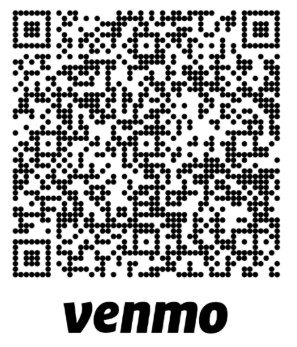
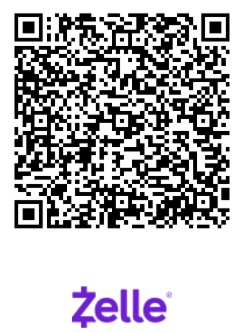




District Payment Options - Scan or Click

Options that save on merchant fees down

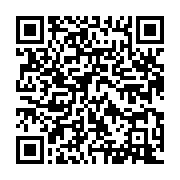
Pay as Friend = No Fee

District pays a 1% fee No click option

Need to Use a Credit/Debit Card? Use Zeffy

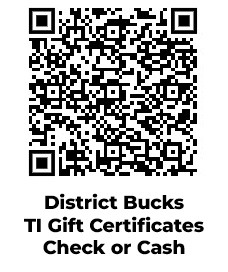
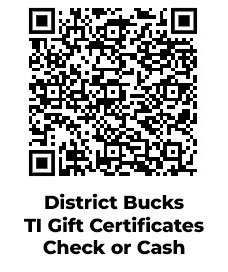
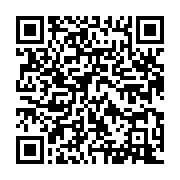
Click or scan the QR code to navigate to Zeffy and to process your payment. Use the steps below:

  1. Enter your District Store order amount in the Donation amount and slection Continue. (Zeffy calls it a Donation. It is your order payment to the District Store.)

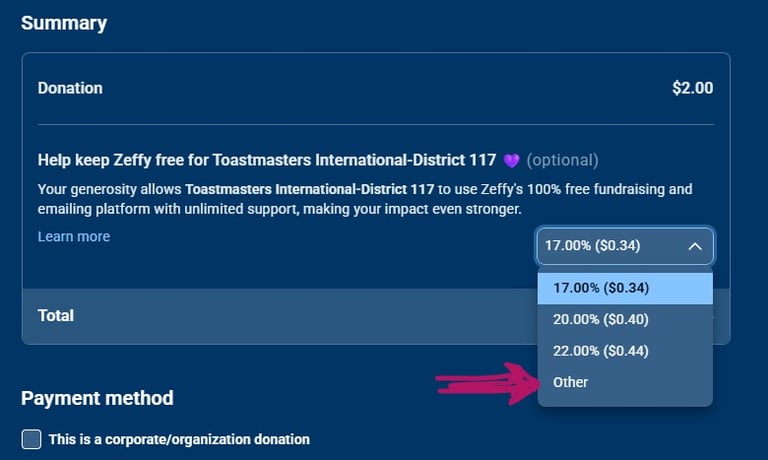
  2. VERY IMPORTANT: To change the OPTIONAL contribution that goes to Zeffy, select the contribution pull-down menu, select Other, and enter zero "0" or your desired Zeffy contribution.

Scan or Click to Pay with your Debit/Credit Card or Bank Account
  1. Enter your card information and submit payment.

  2. You will receive automated receipt.